

SMART HOSPITALITY

AponStay

One property. One connected experience. Manage your hotel or homestay, from the first booking to the final invoice.

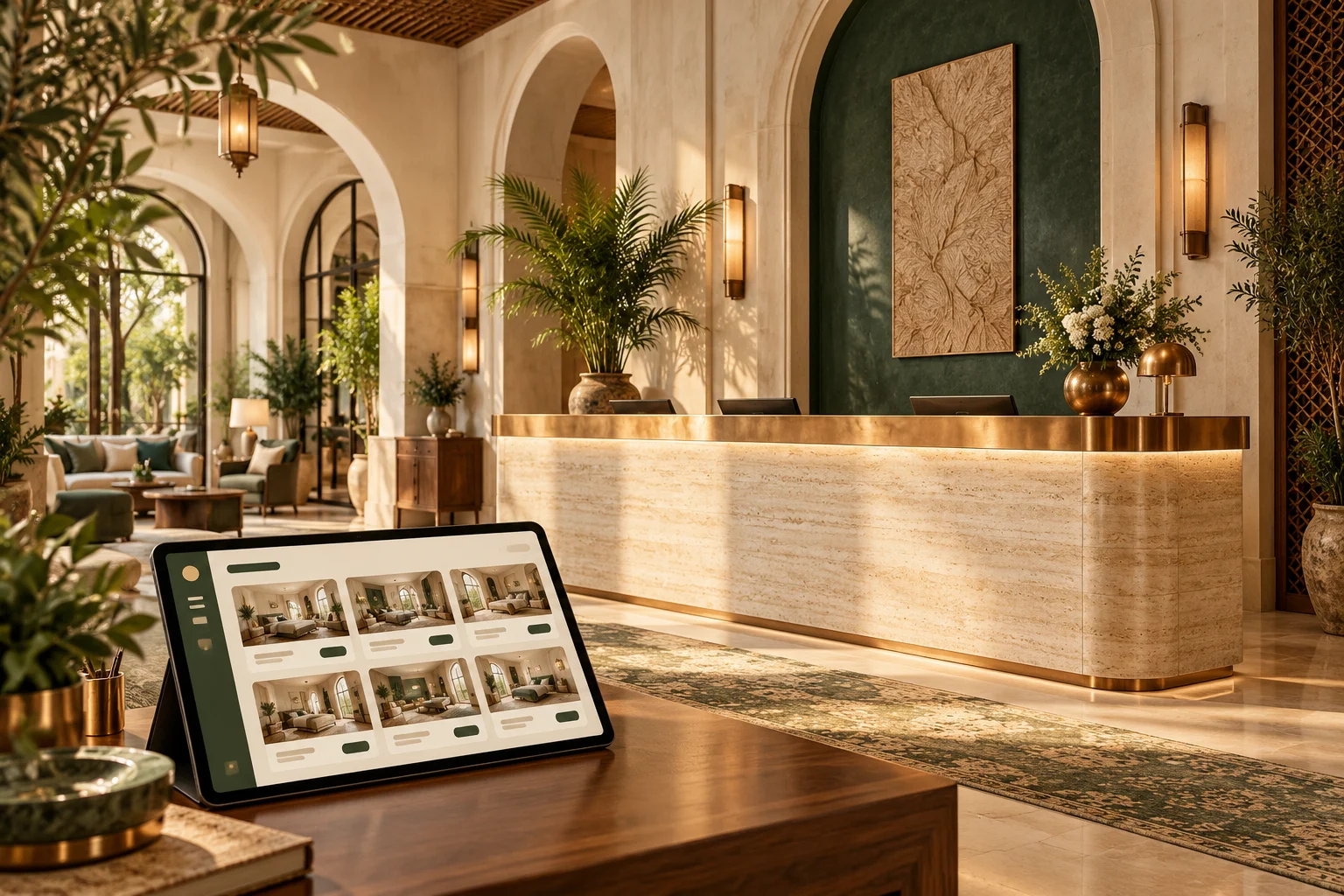
Illustrative hotel reception and connected hospitality software
AponStay smart hospitality logo
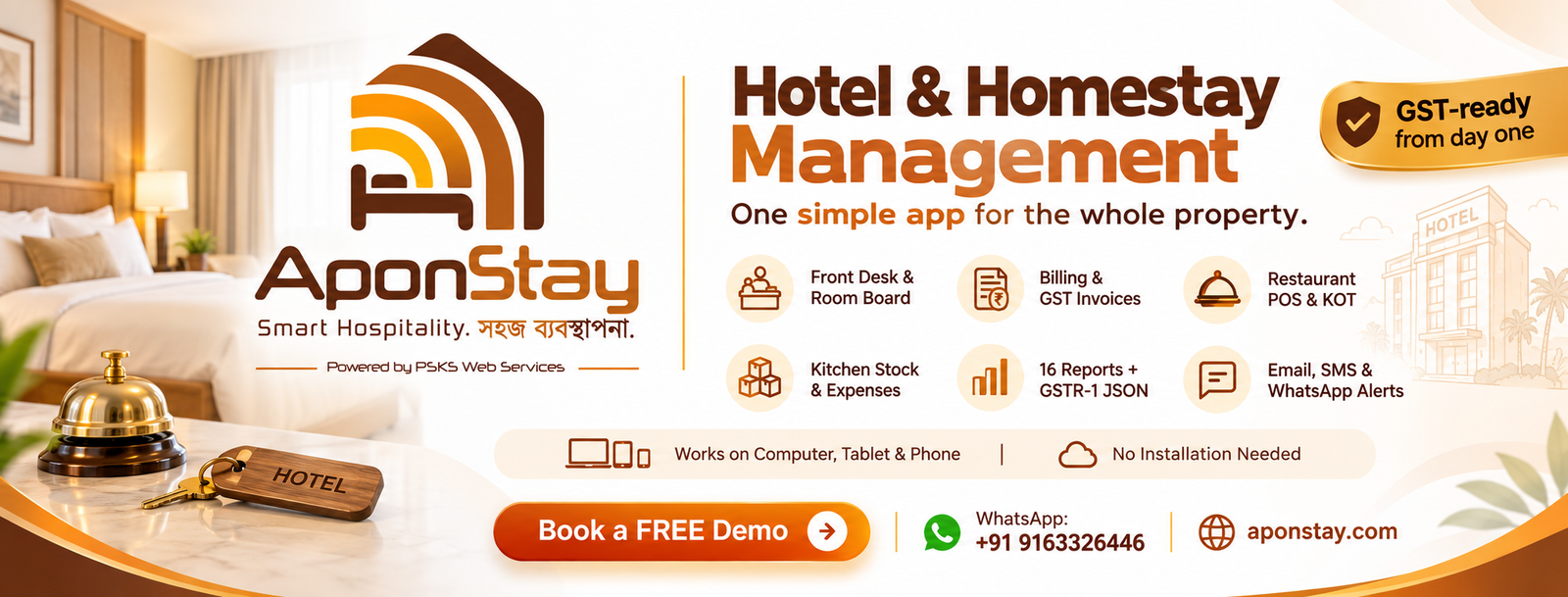
Front desk & live room board Bookings, walk-ins & guest folios GST invoices & credit notes
SMART HOSPITALITY

A stay, beautifully connected.

AponStay brings front desk operations, room billing, restaurant POS and kitchen inventory into one browser-based application. Designed for hotels and homestays, it works on computers, tablets and phones without installation.

The live room board shows availability, arrivals and housekeeping status. Bookings, walk-ins and guest folios connect to billing, so room charges, extra services and payments stay together through check-out.

Browser-based · Multi-property · Mobile friendly

SMART HOSPITALITY

A stay, beautifully connected.

Follow the guest journey from the room board to dining, billing and the next booking.

AponStay smart hospitality logoSMART HOSPITALITY
A clearer front desk
Vacant
Occupied
Housekeeping
Arrivals
Departures
Out of order
✳

A live room board brings availability, arrivals and housekeeping into a shared view.

AponStay

Operations

01

Your property, at a glance

A live dashboard connects occupancy, arrivals, departures, collections, outstanding balances, POS orders and low stock.

  • Daily and monthly billing views
  • Housekeeping status and arrivals
  • Multi-property switcher
  • Browser access on desktop, tablet and phone
02

Front desk & room board

See rooms by floor and date, with vacant, occupied, dirty and out-of-order states. Move smoothly from an enquiry to a stay.

  • Walk-ins and advance bookings
  • Group bookings with multiple rooms
  • Seasonal and weekend tariffs
  • Room moves, extensions and extra services
03

Guests, bookings & folios

Keep guest details, charges and payments together throughout the stay. Returning guests and corporate accounts fit the same workflow.

  • Booking sources and OTA references
  • Encrypted guest ID numbers
  • Advances and running guest folios
  • Cancellation and no-show reason history
04

Restaurant POS & kitchen orders

Connect dine-in, takeaway, counter orders and room service. Orders can close at the counter or move onto a guest folio.

  • Tables, areas and menu categories
  • Kitchen order tickets for newly added items
  • Split payments and discounts
  • Recipe-linked stock consumption
05

Inventory, purchases & expenses

Keep an eye on stock, suppliers and daily spending, with records your accounting team can follow.

  • Weighted-average stock valuation
  • Reorder levels and low-stock alerts
  • Purchases, issues, returns and wastage
  • Expense attachments and approval thresholds
AponStay

Billing

01

Connected billing & payments

Bring room charges, services and dining into a clear account. Record collections across the payment modes enabled for your property.

  • Cash, UPI, cards and bank payments
  • OTA collections and company credit
  • Mid-stay invoices and receipts
  • Optional separate food and beverage invoices
02

GST-aware invoices & credit notes

Configure tax and invoice settings around your property. Invoice records, credit notes and period controls support a traceable accounting workflow.

  • CGST / SGST or IGST configuration
  • HSN / SAC and business identifiers
  • Financial-year invoice numbering
  • Full or partial credit notes and period locks
03

Professional documents

Send a guest the document they need, in a format that fits the front desk.

  • Branded A4 and 80 mm thermal output
  • Downloadable PDF invoices and receipts
  • Secure document sharing links
  • Bank details and balance-payment UPI QR
AponStay

Reports

01

16 reports for clearer decisions

Review property operations and financial performance with date filters and Excel or PDF export.

  • Daily sales, sales register and collections
  • Occupancy, ADR and RevPAR
  • Guest register and foreign-guest Form C report
  • Outstanding balances and food-item sales
  • GST summaries and HSN / SAC reports
  • Expenses, purchases and input tax
  • Stock valuation and movements
  • Monthly profit and loss and audit history
02

GSTR-1 export workflow

Prepare a GSTR-1 JSON export from recorded invoice data, with checks before export and monthly period controls.

  • B2B and applicable consumer summaries
  • Credit notes, HSN and document summaries
  • Validation feedback before export
  • Export for review and manual portal upload
AponStay

Control

01

The right access for each role

Owner, manager, front desk, restaurant / kitchen and accountant roles keep everyday work organised.

  • Role-based module permissions
  • Audit trail for important actions
  • Property-specific configuration
  • Logged support access when assistance is needed
02

Guest communication

Keep guests informed through the channels enabled in your plan and configured for your property.

  • Booking, check-in and check-out messages
  • Invoices, receipts and secure links
  • Email, SMS and approved WhatsApp templates
  • Delivery status logs and guest opt-out
AponStay

Getting started

01

A supported start

PSKS configures your organisation, property and first owner account, then helps you prepare for everyday use.

  • Property profile, rooms and tariffs
  • Menus, inventory and staff permissions
  • Invoice branding and payment details
  • Plan selection, training and ongoing support
AponStay

In practice

01

A walk-in becomes a connected stay

Find an available room on the room board, create the booking and record guest details and an advance. During the stay, add services or move the room when required. The running folio brings charges and payments together for check-out.

  • Check availability
  • Create booking and guest record
  • Record advance and stay charges
  • Invoice and check out
02

Dinner joins the guest folio

Take a restaurant or room-service order, send newly added items to the kitchen and choose counter billing or a room charge. Recipe-linked consumption keeps the dining workflow connected to stock, while the guest account retains the relevant charges.

  • Restaurant order
  • Kitchen order ticket
  • Recipe-linked stock
  • Room folio or counter bill
03

A clearer month-end review

Review collections, outstanding balances, purchases, expenses and property performance. Accounting reports and GSTR-1 export checks support the review process, while credit notes and period controls preserve the history of billing changes.

  • Review collections and balances
  • Check expenses and purchases
  • Prepare accounting exports
  • Review and close the period
THE COMPLETE PICTURE

AponStay

  • Front desk & live room board
  • Bookings, walk-ins & guest folios
  • GST invoices & credit notes
  • Restaurant POS & KOT
  • Kitchen stock, purchases & recipes
  • Expenses & approval workflows
  • 16 reports with Excel & PDF export
  • GSTR-1 JSON export
  • Email, SMS & WhatsApp notifications
  • Multi-property access & staff roles

Restaurant orders can be billed at the counter or charged to a room. Kitchen order tickets, recipes and inventory connect the dining room with the store. Track purchases, wastage, expenses and approvals from the same application.

GST invoicing, credit notes, GSTR-1 JSON export and 16 reports support the billing and accounting workflow. Staff roles, encrypted guest ID numbers and an audit trail help owners keep control. Email, SMS and WhatsApp channels support guest confirmations and invoice delivery when enabled.

PSKS helps with onboarding, property configuration, rooms, rates, menus and staff access. Contact us for a demonstration using your own property needs.

AponStay feature overview

A few useful answers.

Who is AponStay designed for?+

Hotels, resorts, homestays and guest accommodation businesses that want front desk, billing, restaurant and inventory operations in a connected browser-based application. Modules and property limits depend on the selected plan.

Can different staff members have different access?+

Yes. Owner, manager, front desk, restaurant / kitchen and accountant roles support different responsibilities. Access can be configured during onboarding.

Does AponStay submit GST returns automatically?+

AponStay prepares reports and a validated GSTR-1 JSON export for review and manual upload. Your accounting team reviews tax configuration and files the return through the appropriate portal.

How do we start, and what does it cost?+

Speak with PSKS for a demonstration and current plan options. We help configure properties, rooms, rates, invoice branding and staff access. Pricing and communication allowances are confirmed for your requirements.

LET’S MAKE SOMETHING GREAT

Your next chapter starts with a conversation.

Have an idea, a challenge, or a project in mind? We’d love to hear about it.

↗
WRITE TO USinfo@pskswebservices.com
GIVE US A CALL+91 9163326446Chat on WhatsApp ↗
OUR REGISTERED OFFICE
207, Sunit Banerjee Road, Ghola, Sodepur, Kolkata, West Bengal, India 700111